What is a reference file?
A reference file is a supplemental file in a workflow that can provide additional information to users to be able to complete their tasks, offer general information about the project, or give any other relevant information that needs to be associated with the project. Reference files can be uploaded through an “Upload Reference Files” task or directly from the “References” tab. See Tasks for more information.
Exploring the references tab
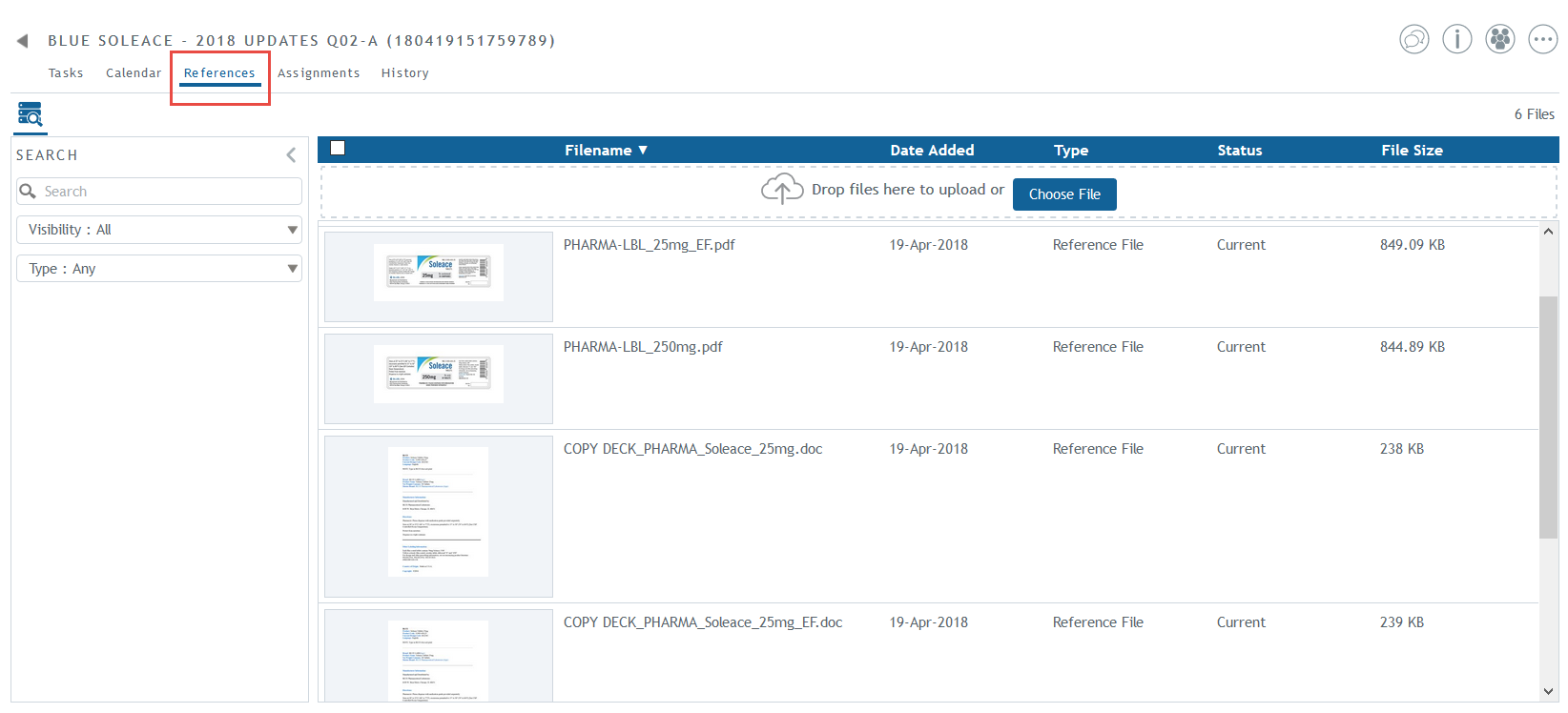
All project participants will have access to their project’s references tab and can view the reference files they have access to, based on their permissions. If task owners only have access to view a sub-process because their task is within a sub-process, then they can only see files that were uploaded to that sub-process or have visibility in that sub-process. Project owners can view all reference files in the project and sub-process owners can only view all files uploaded to own sub-process, including nested sub-processes. Note: Task owners at a project level have permissions to view all project reference files.
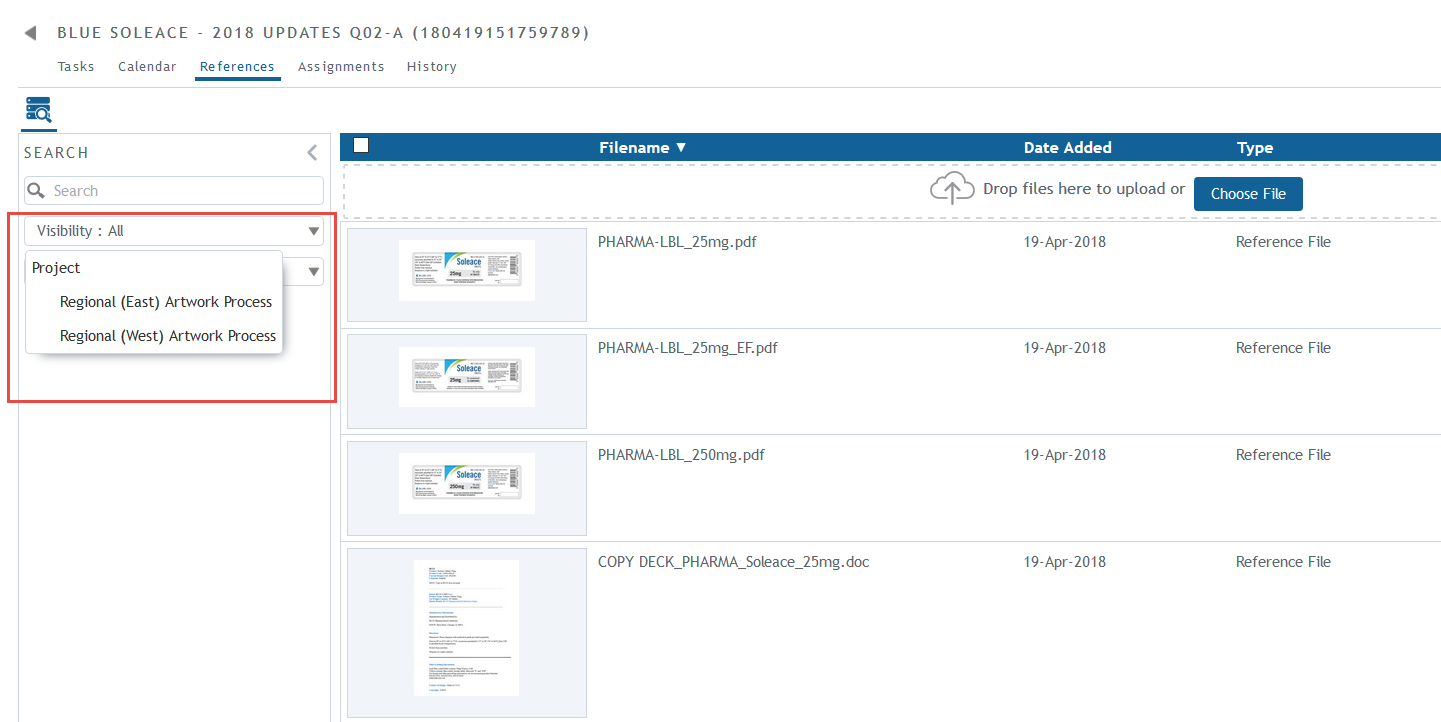
Depending on their permissions, project participants can choose from the options in the visibility drop down menu to view files at different levels of the project. In this example, the project owner has visibility at all levels, including files uploaded at the project and sub-process levels. Clicking on list items will show the files that belong at that level.
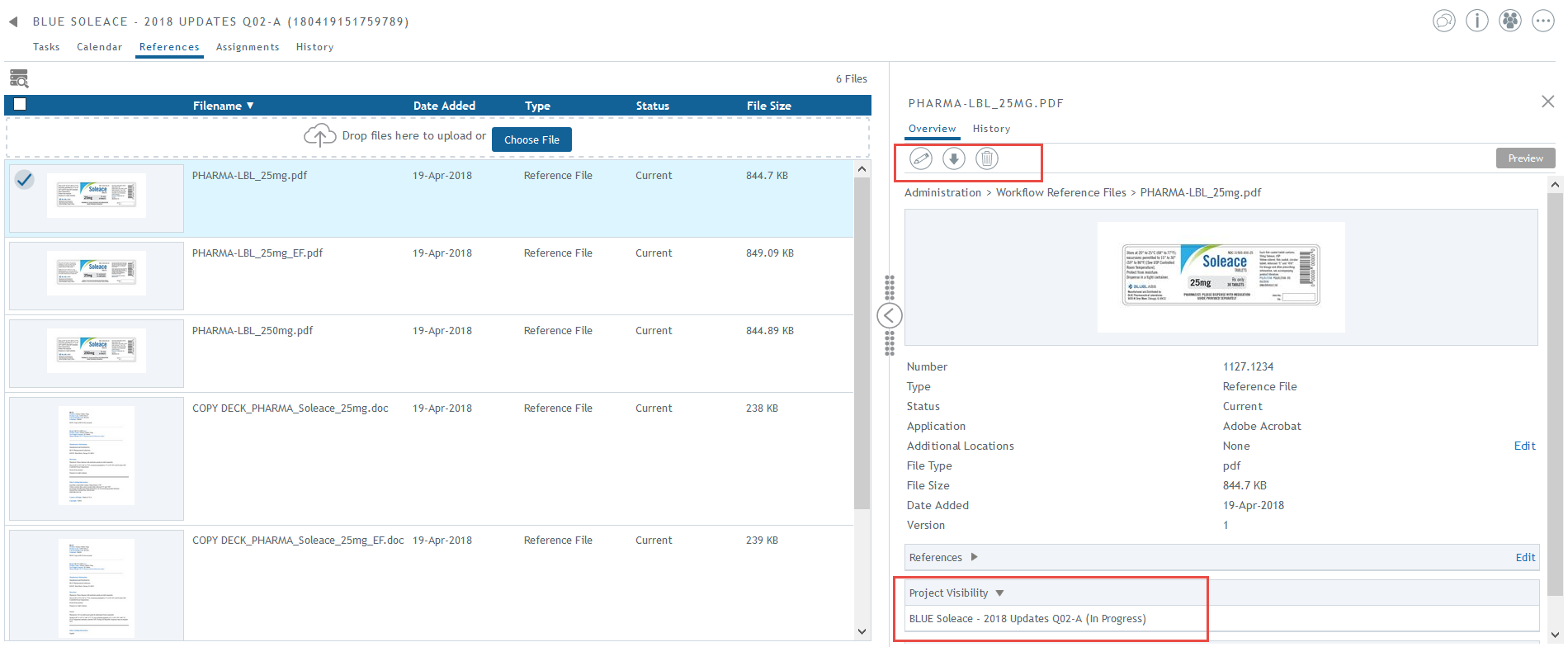
Project participants can view details of the reference files by clicking on the row of the file. In the right panel, they can see the actions that can be taken on the file, the file’s properties, and the project’s visibility of the file.